

Read the Word,
record it,
and live it.
From Bible reading and parallel-version comparison to search, dictionaries, notes, sermons, prayers, and language learning—Philose is a Windows Bible study tool for people who love the Word.
If Chrome blocks the download as suspicious: download the ZIP file (extract it, then run Philose-Setup-0.3.26.exe), or choose “Keep” from the download list. If Windows shows “Protect your PC” during setup, choose More info → Run anyway. SHA-256 (ZIP): 75459527A6CA3836B85AF4D05F53CEFA12C798D1EE18D33F07405DF9EDFC429F. This warning is shown for newly released software without a signing certificate; it does not indicate a problem with the file.
Windows 10/11 64-bit · The basic edition is available to everyone. For copyrighted materials and permissions: admin@philose.com
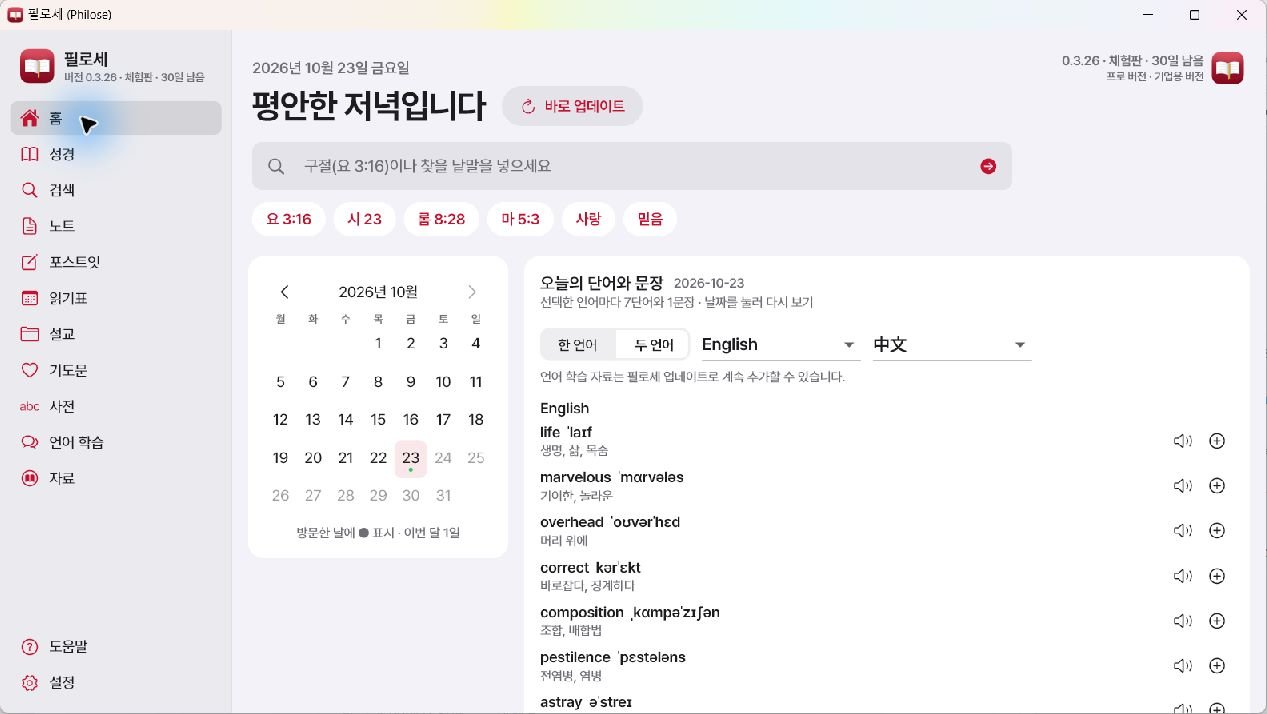
Explore every part of Philose
The images below are real screens from Philose 0.3.26, not demonstration mockups. See at a glance how each area works together.
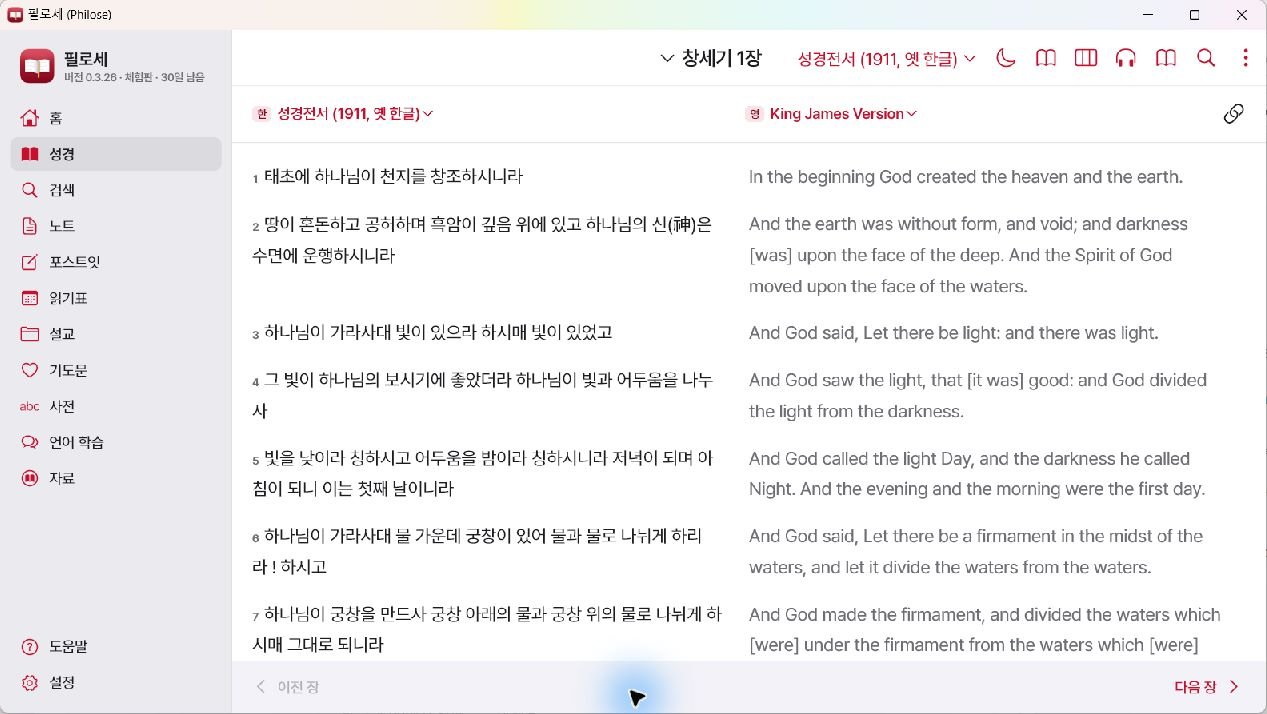
Read two versions side by side, go deeper into the Word
Compare Korean, English, Chinese, Japanese, and more Bible versions side by side. Select a verse to move to commentary, cross-references, original languages, and notes; use read-aloud and book-style views on one screen.
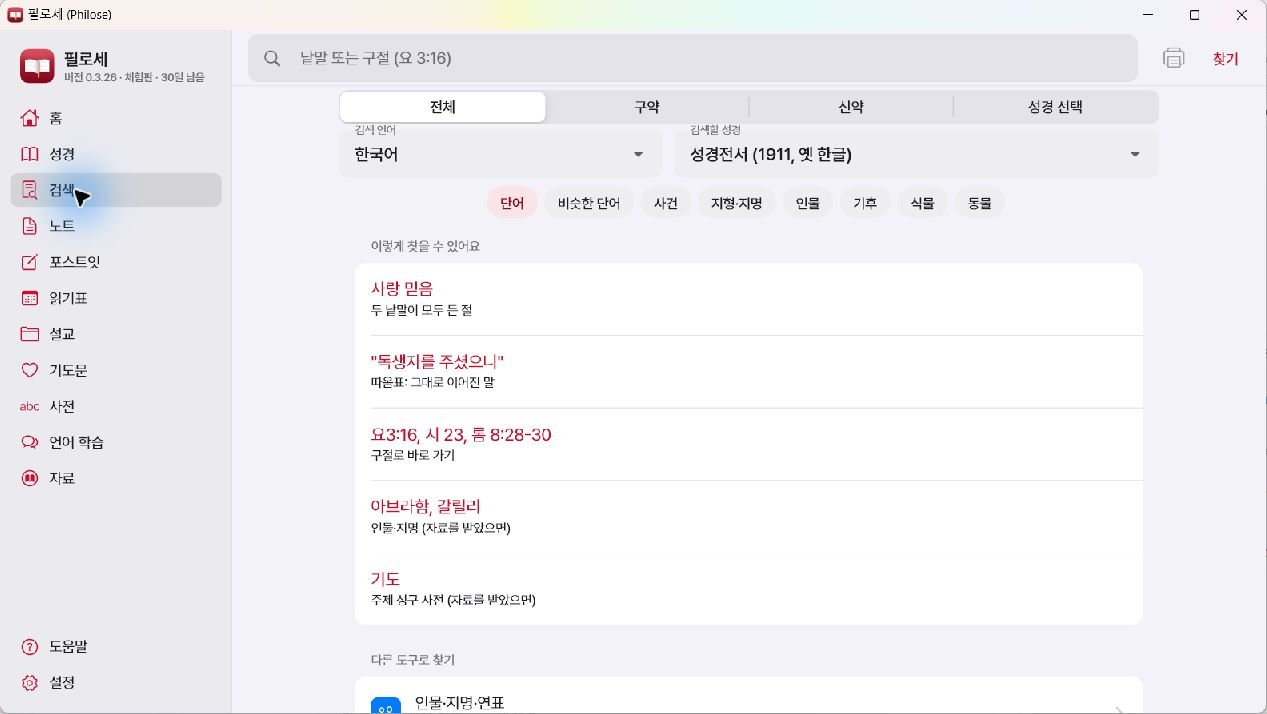
Find Scripture and knowledge in one place
Search words, verses, similar terms, dictionaries, geography, place names, people, climate, plants, and animals in one place. Jump straight from results to related verses.
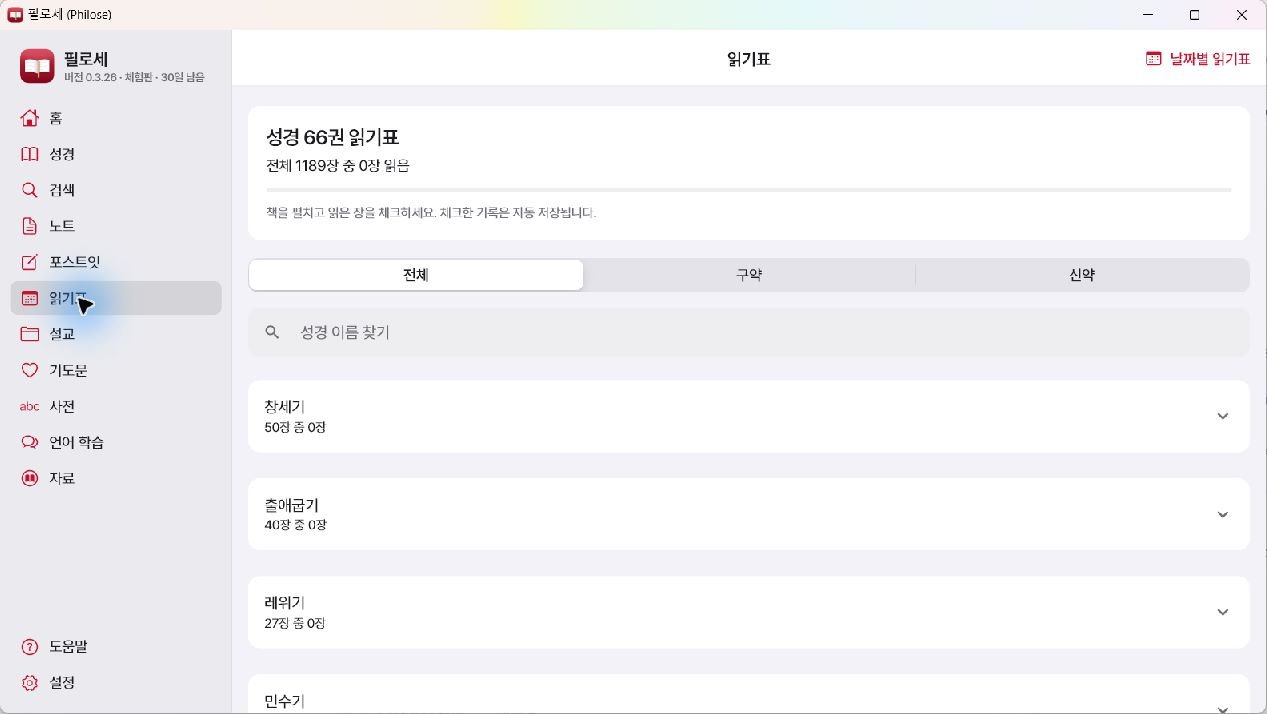
Automatically record chapters and reading dates
View your progress across all 66 books at a glance. Select a chapter to save its read status and date, then manage Old/New Testament progress and date-based reading plans together.
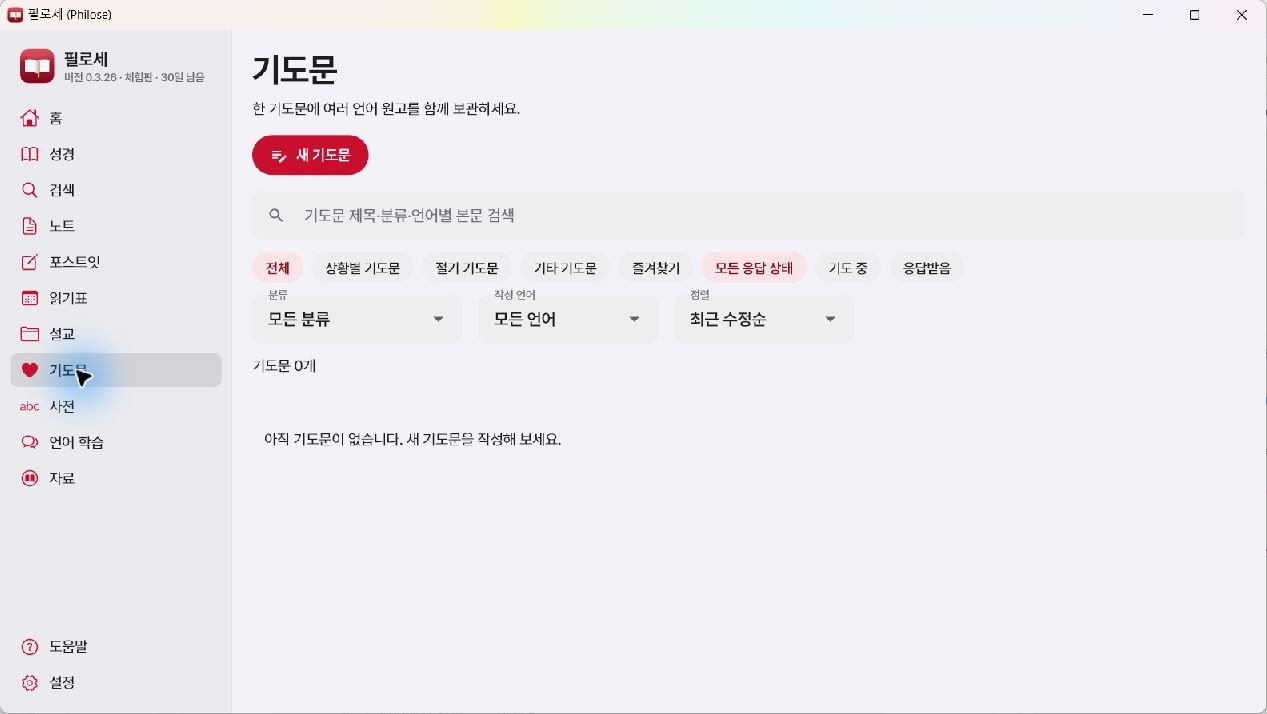
Keep prayers organized by situation and language
Create prayers for situations, seasons, or other needs, and organize them by gratitude, family, healing, comfort, and more. Keep and search drafts in several languages within a single prayer.
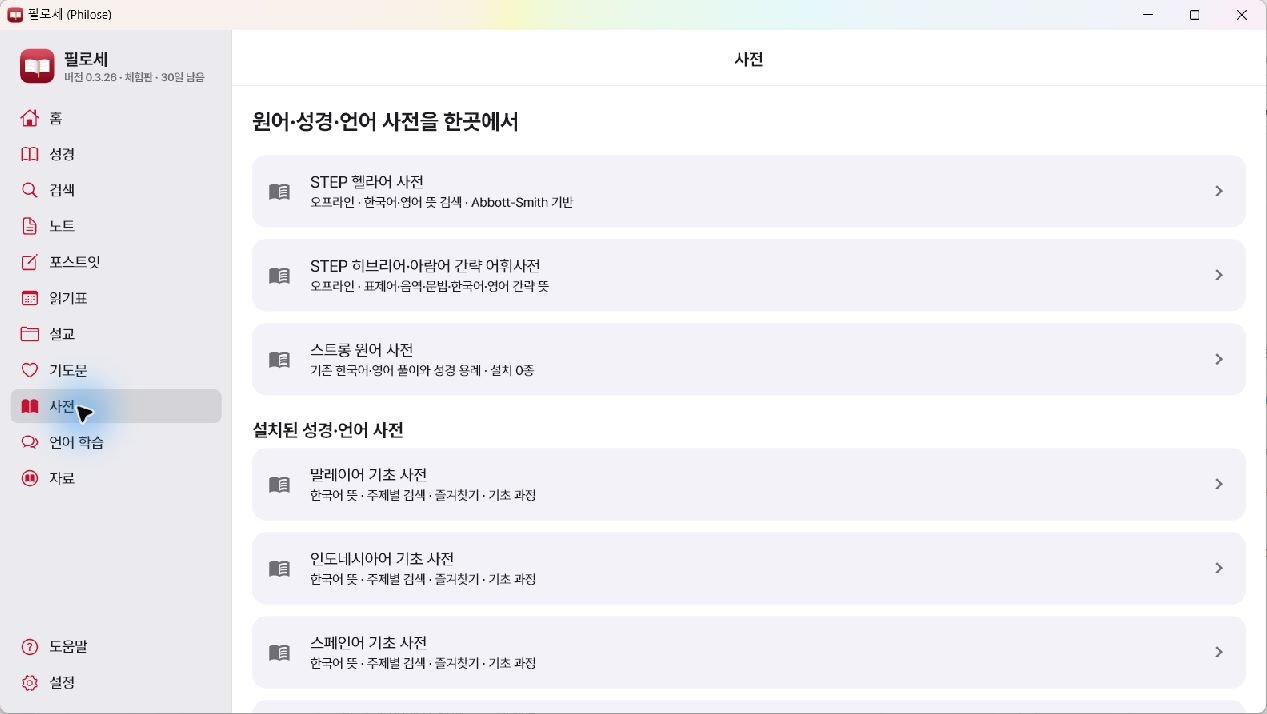
Original-language and multilingual dictionaries in one place
Access Greek, Hebrew, and Aramaic dictionaries alongside Korean, English, Malay, Indonesian, and Spanish basics. Installation status and copyright status are clearly shown.
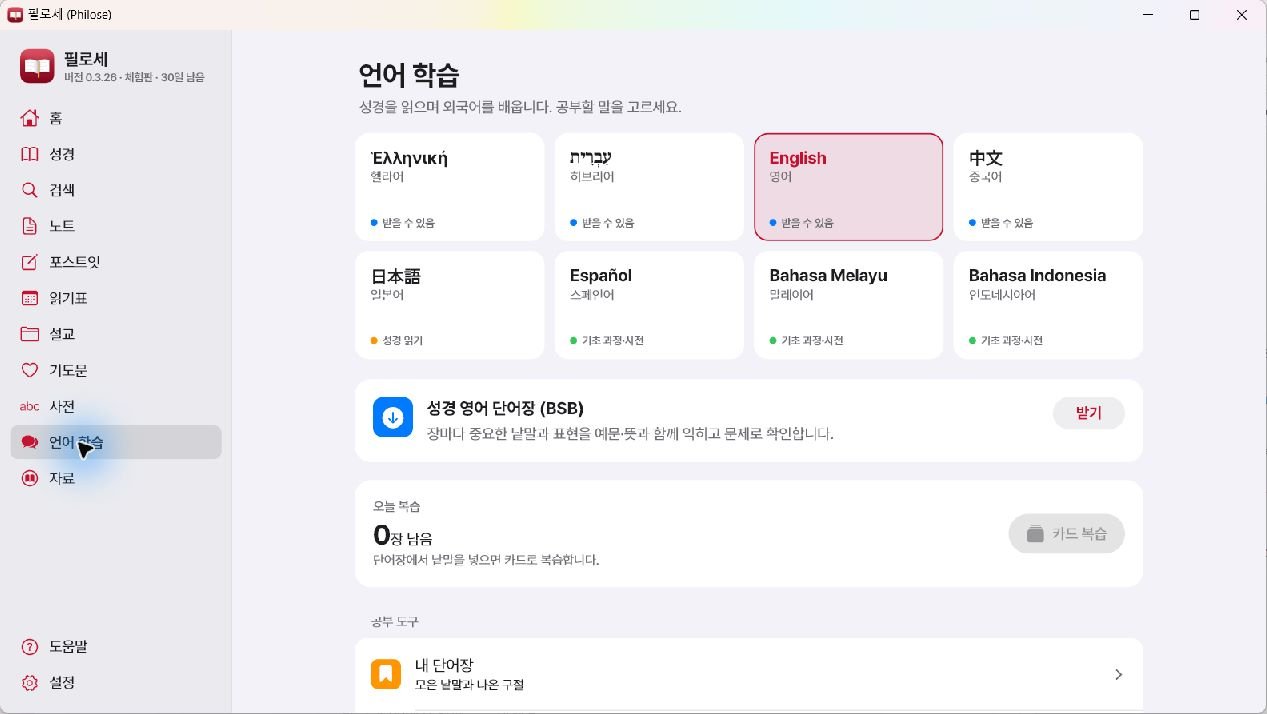
Learn languages while reading the Bible
Explore English, Chinese, Japanese, Spanish, Malay, Indonesian, Greek, and Hebrew study areas. Continue learning through pronunciation, vocabulary lists, card review, and today’s word and sentence.
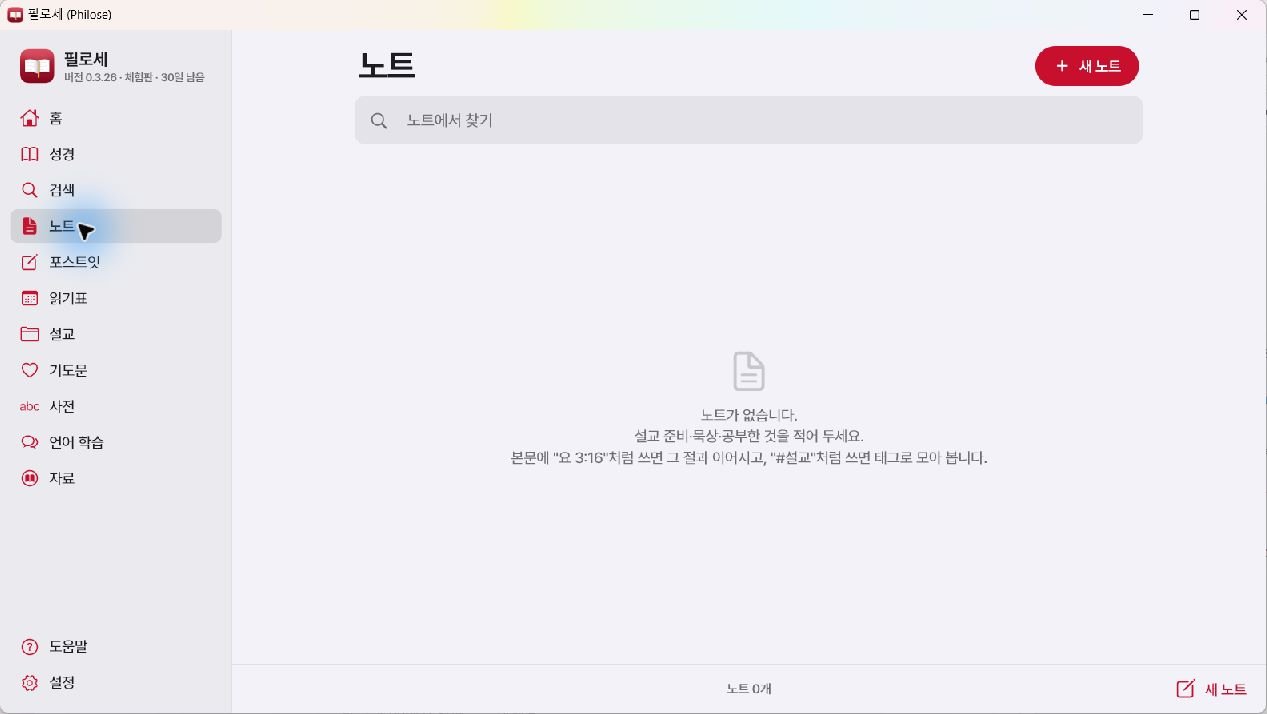
Notes
Record devotionals, research, and sermon preparation; find them again with verse references and tags.
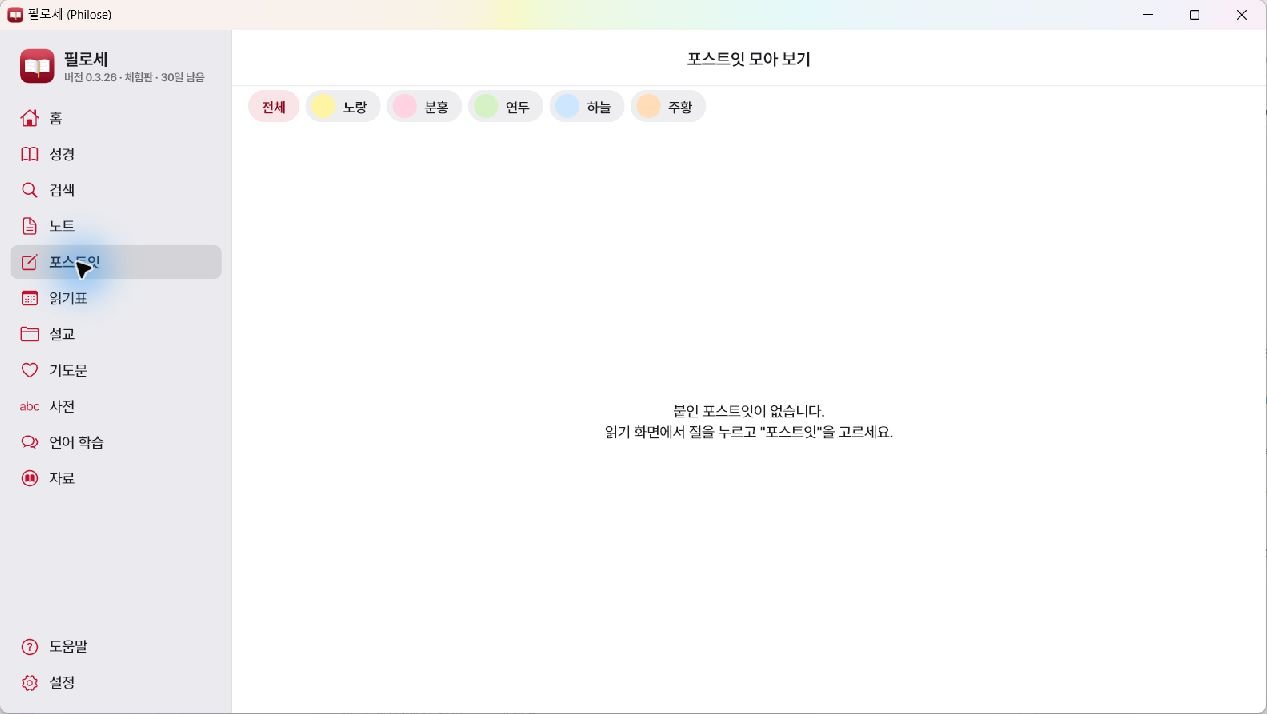
Sticky notes
Attach color-coded notes to important verses while reading and view them together on one screen.
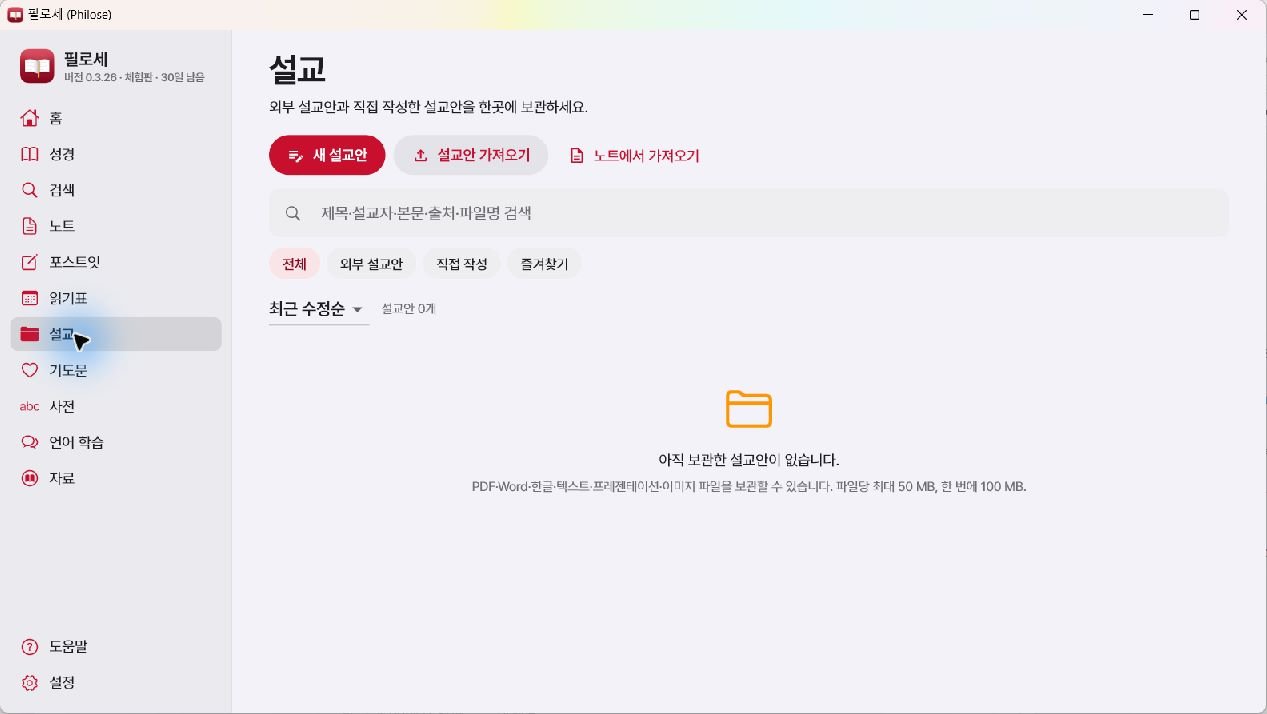
Sermons
Write directly or import PDF, Word, Hangul, text, and presentation files.
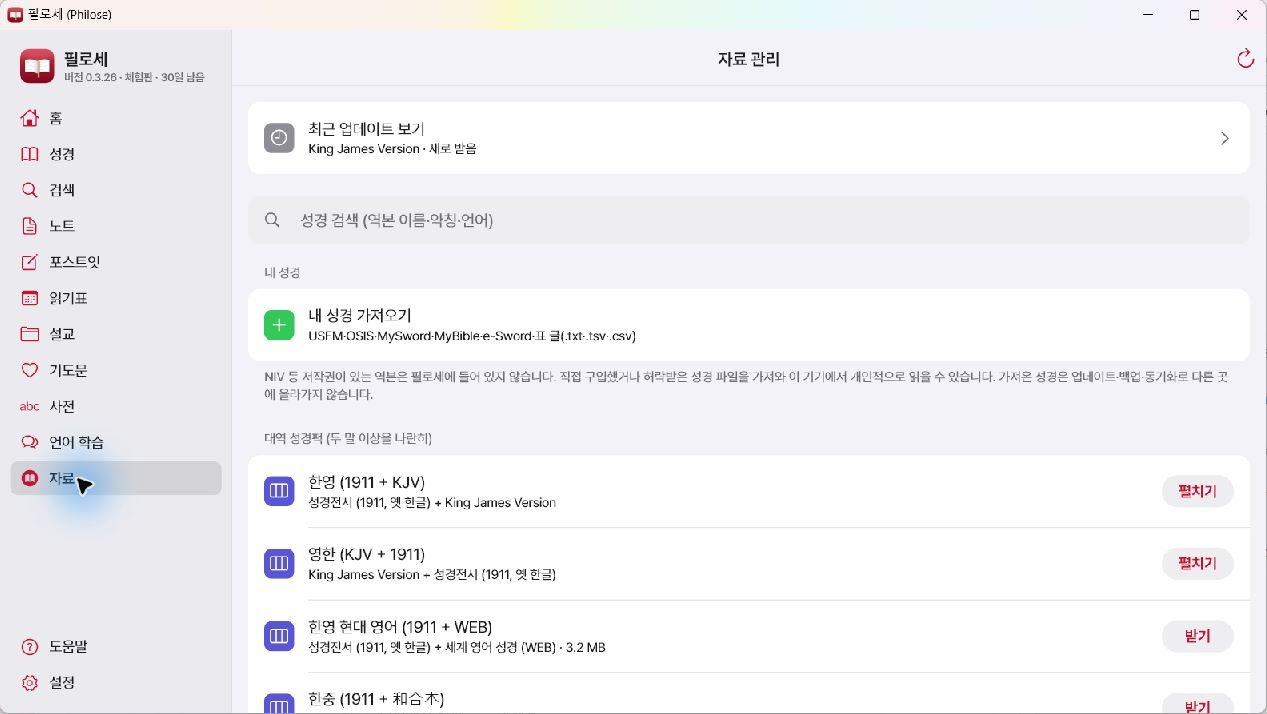
Install only the resources you need
Get free Bibles, parallel Bible packs, dictionaries, and language resources directly in Philose, and check installation status. Personally purchased or authorized material, including NIV, can be used through “Import My Bible.”
Sign up,
get your key,
and start right away.
The trial is available through February 28, 2027. If you do not see the license email, please check your spam folder.
Create a philose.com account
Sign up with the email address you will use.
Check your trial license key
Check the 16-character key sent by email with your welcome message.
Enter the key in Philose
Enter the key under Settings → License in the application, then begin.
Today, come closer to the Word.
The basic edition is free for everyone.
For copyrighted-material or subscription inquiries, contact admin@philose.com .
Utilities
A collection of free Windows utilities and popular GitHub software. Download 7-Zip, Notepad++, and more, and find links for post-reset install lists and reverse-engineering tools such as REA. Each developer retains their own copyright; please check licenses before use.
View utilitiesPost-reset install listFree alternatives to paid software: We organize alternatives to MS Office, Photoshop, Illustrator, Premiere, 3D (Blender), and CAD (FreeCAD) by GitHub popularity and downloads. View alternatives
Find a little tool.
Make your day easier.
Discover free Windows and macOS utilities made and shared by the community.
Browse by category
Recently shared utilities
Your small tool could be the first.
No community utilities have been published yet. Share something useful, and the site team will review it before it appears here.
Share a utilityGive your utility a place to be found.
Join free, confirm your email using the password link, and submit your utility. Track its review status in My uploads.
A few things to know
Is Philose free to use?
Browsing, downloading, creating an account and submitting a utility are free.
Who can upload a utility?
Signed-in members can submit software they created or have permission to distribute. New members use the link in their registration email to set a password before signing in.
What happens after I upload?
Your utility stays pending while the site team reviews it. You can check its status in My uploads. It appears in the directory after publication.
What should I check before downloading?
Read the operating system, version and license details. A publication review is not a security guarantee. Scan downloaded software and use the report form if you find a problem.